Speak as long as you need. There is no weekly word cap, no minute meter, and no quota that quietly shrinks after launch.
Pro and the trial unlock the same dictation access—you are not metering yourself against a dashboard number.
02
Speech stays on this Mac
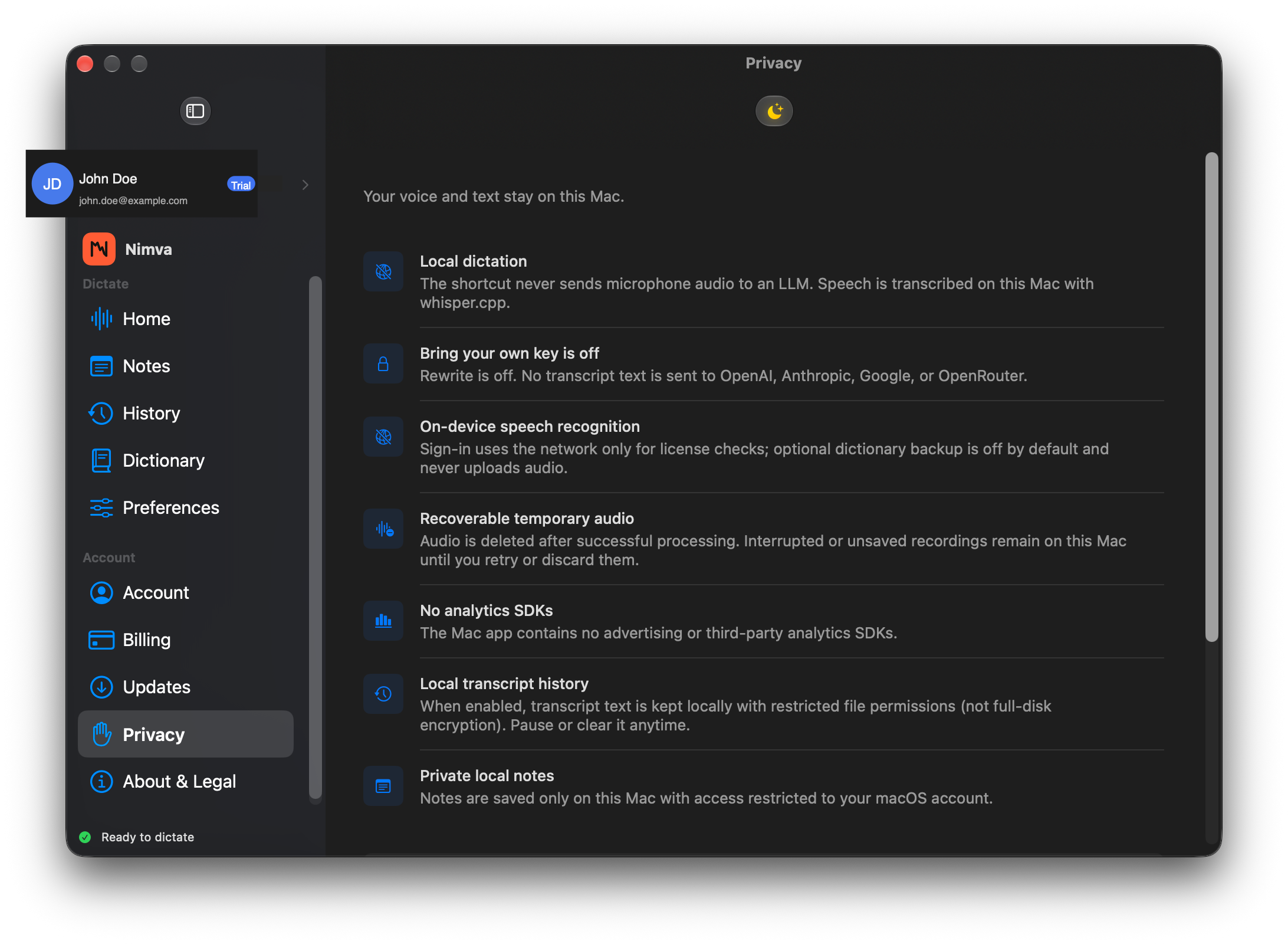
When you hold the shortcut, microphone audio used for dictation is transcribed on this Mac. The recognition path does not upload that audio to Nimva for speech-to-text.
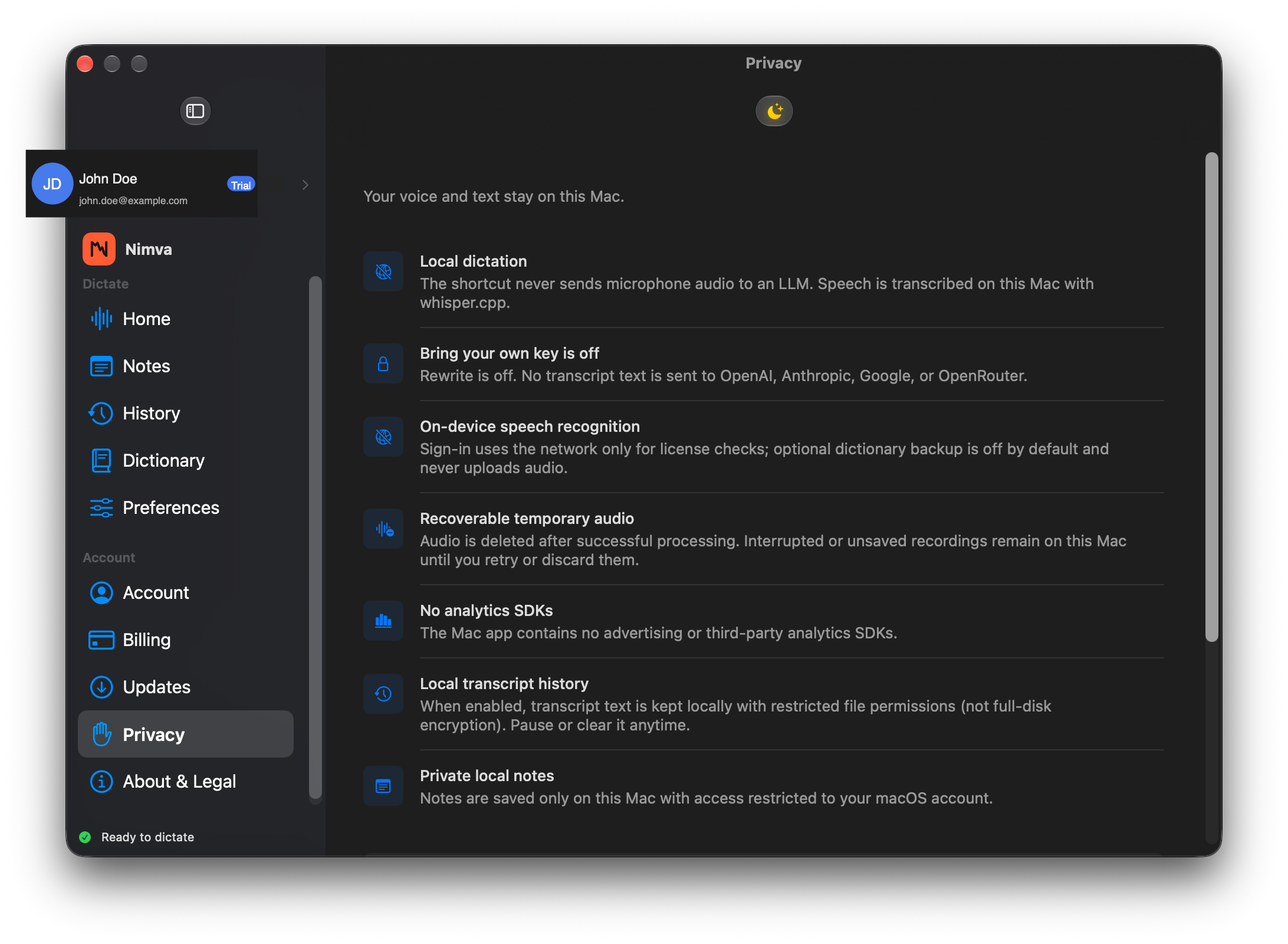
Privacy settings in the app spell out what stays local, so you can verify the claim in the product—not only on a marketing page.
03
Write in the app you already use
Press the shortcut while Mail, Messages, Notes, your editor, or another Mac app has focus. When Accessibility allows it, Nimva inserts the transcript at the caret.
If an app blocks insert, the text is still on the clipboard so you can paste and keep moving.
04
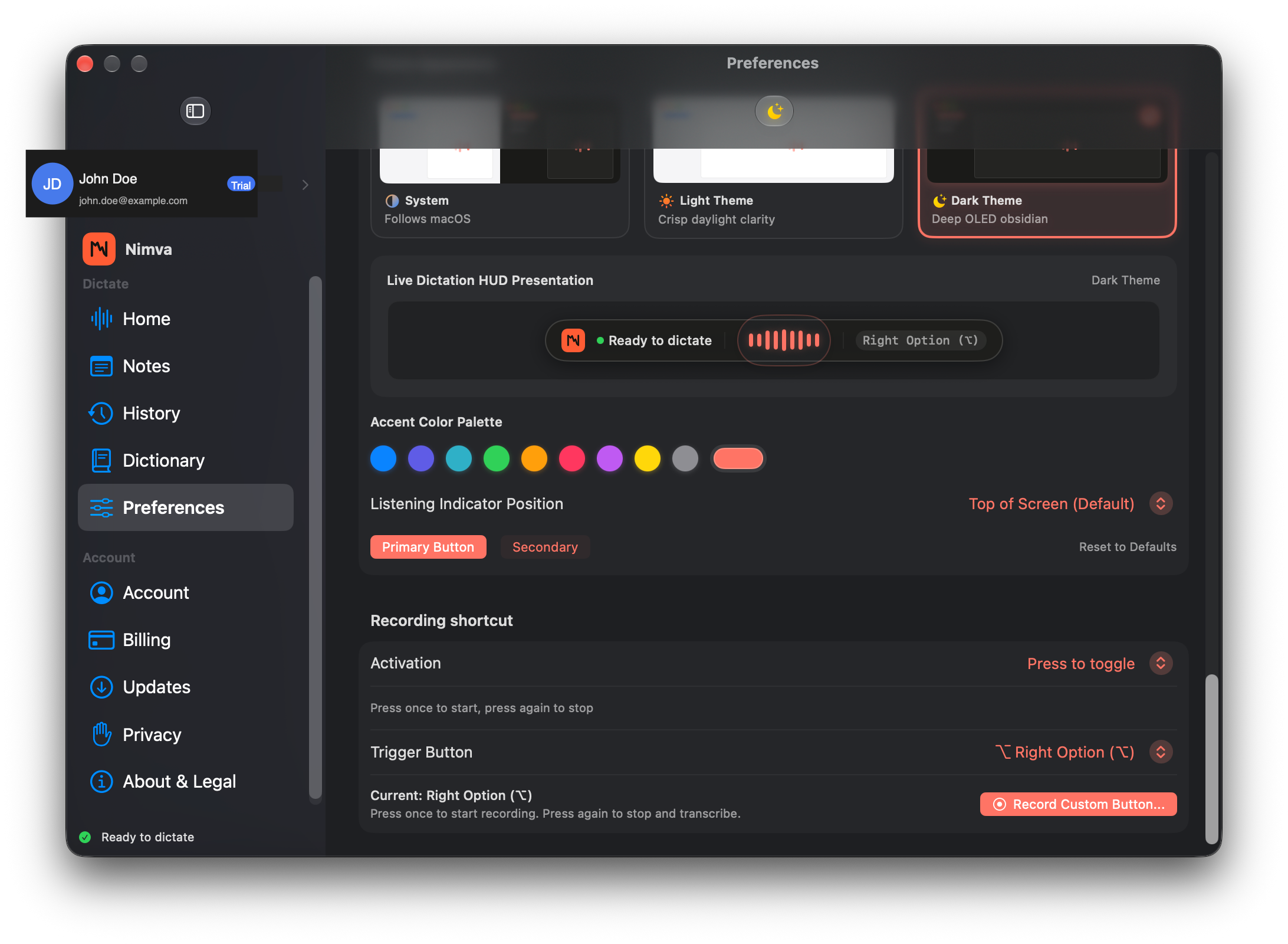
Right Option starts and stops
The default is Right Option—press to start listening, press again to stop. A small HUD shows that Nimva heard you without stealing the frontmost window.
Prefer another key? Change the recording shortcut in Preferences and keep the same start/stop habit.
05
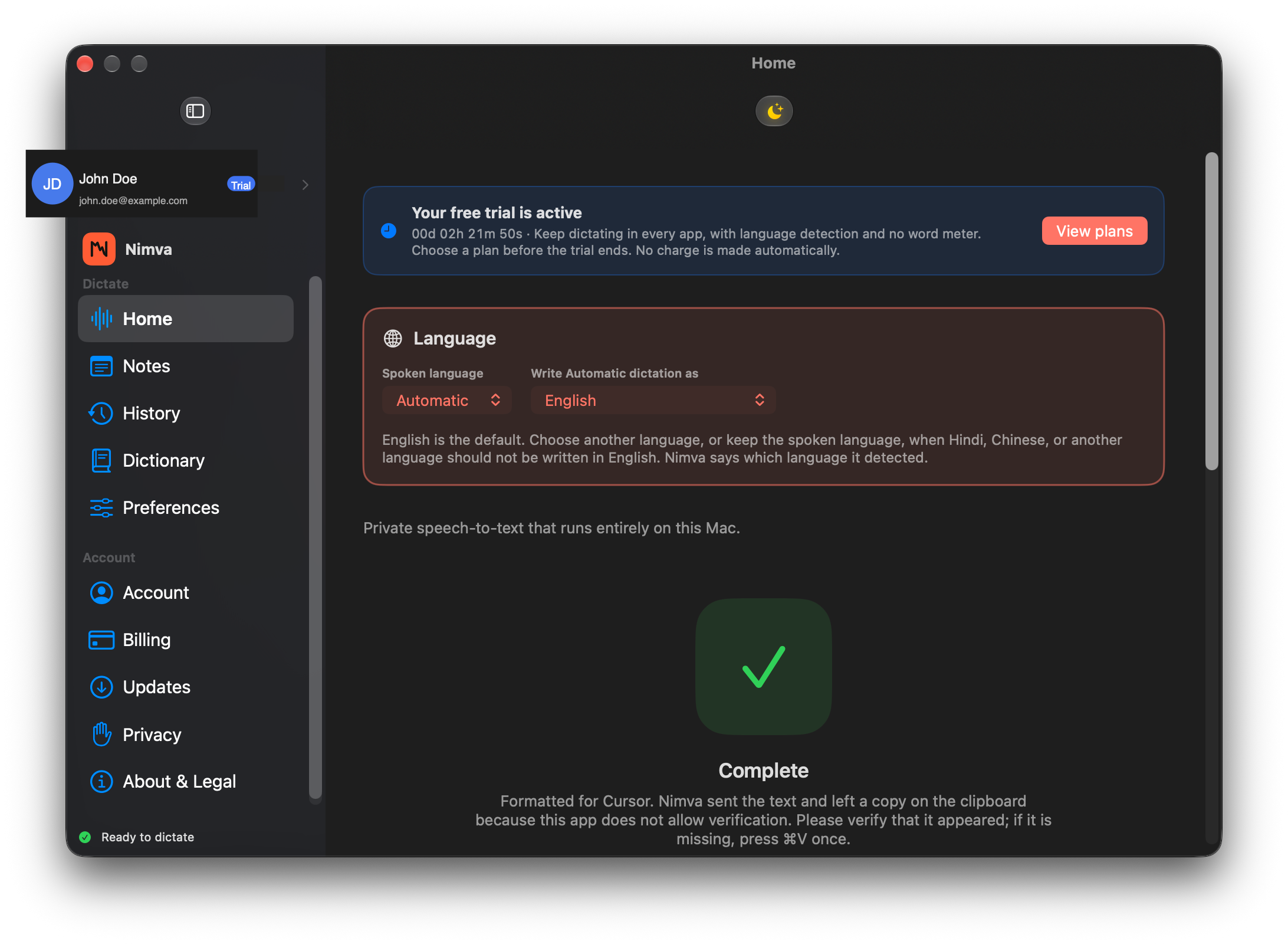
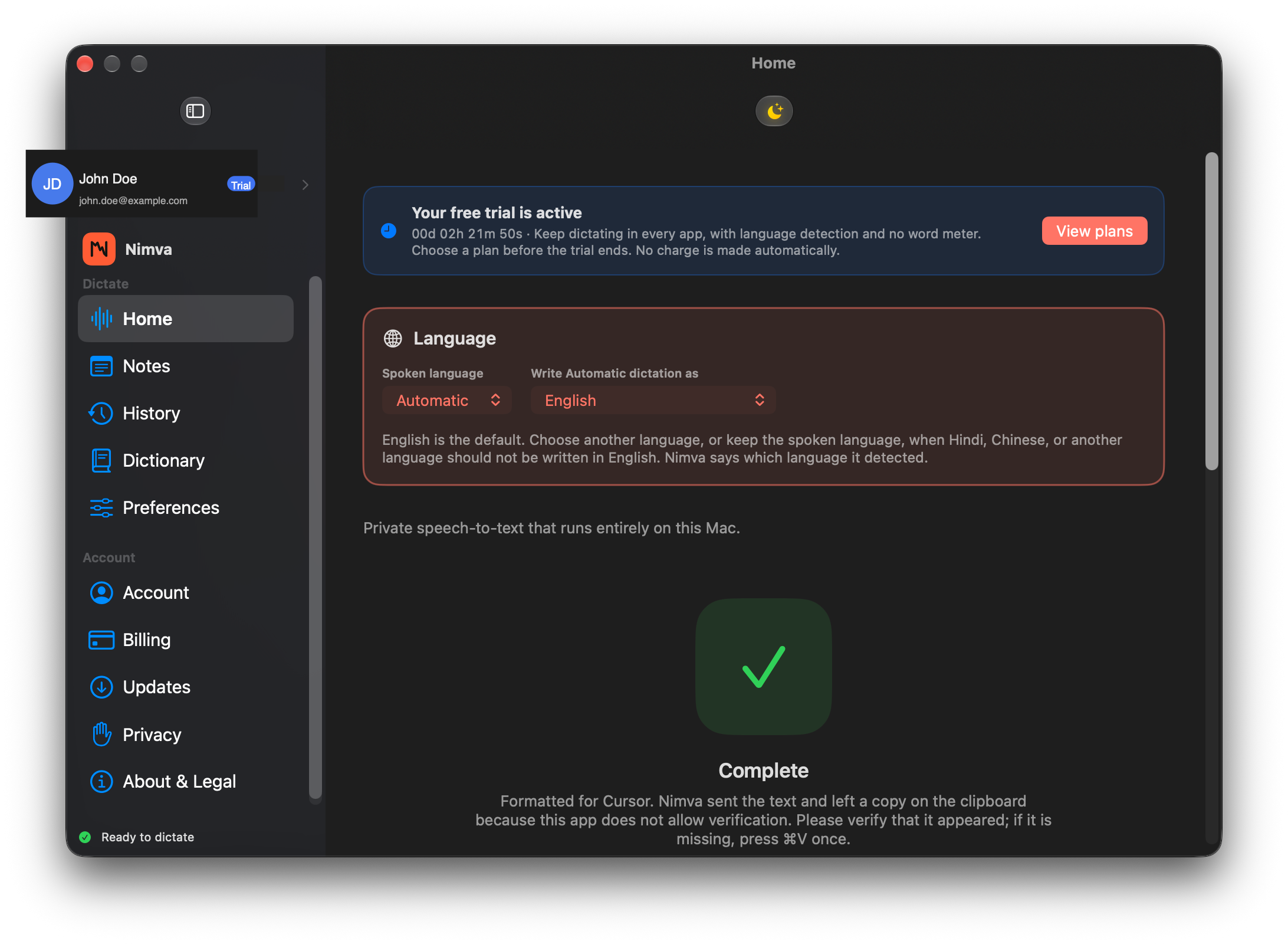
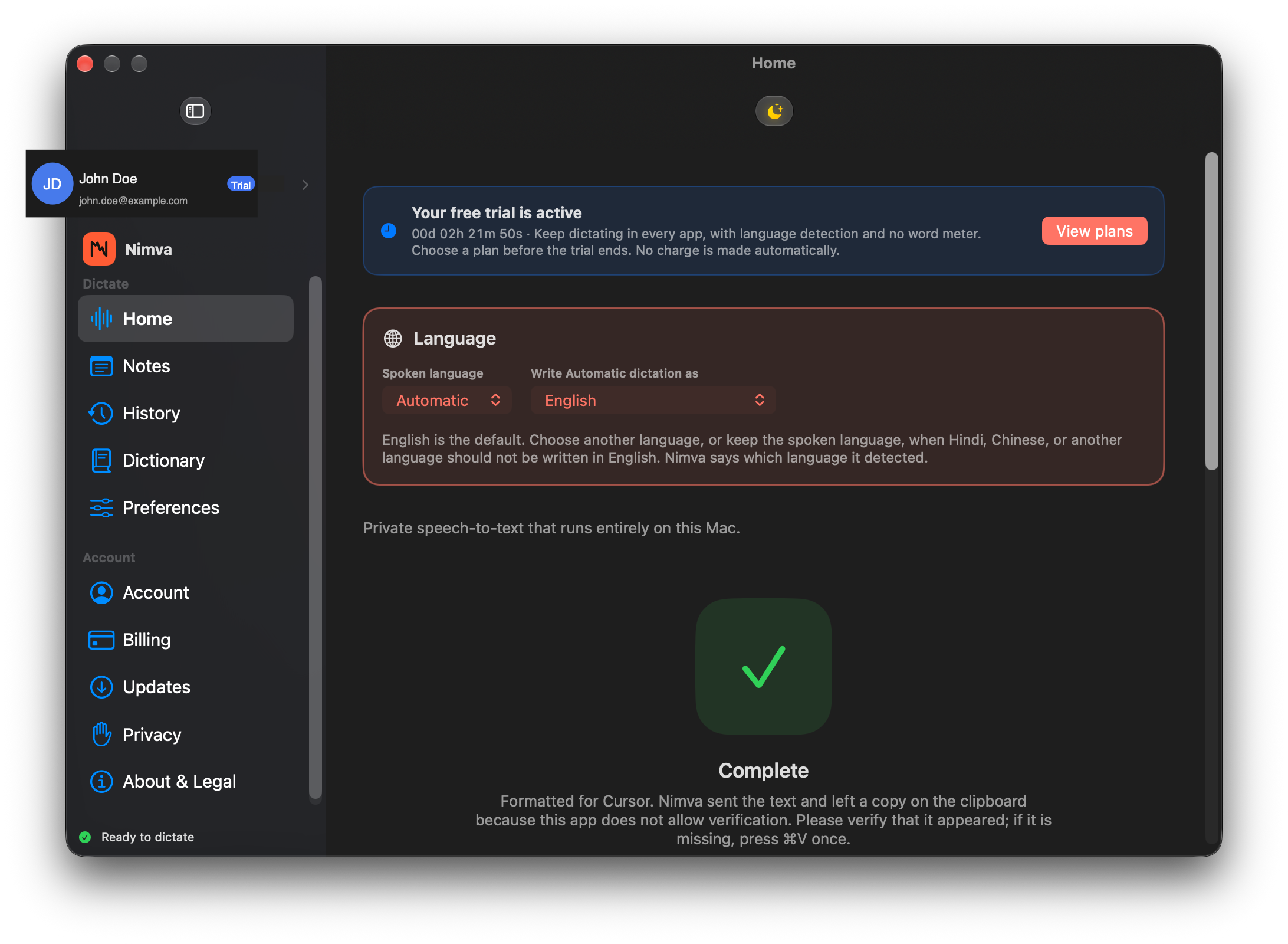
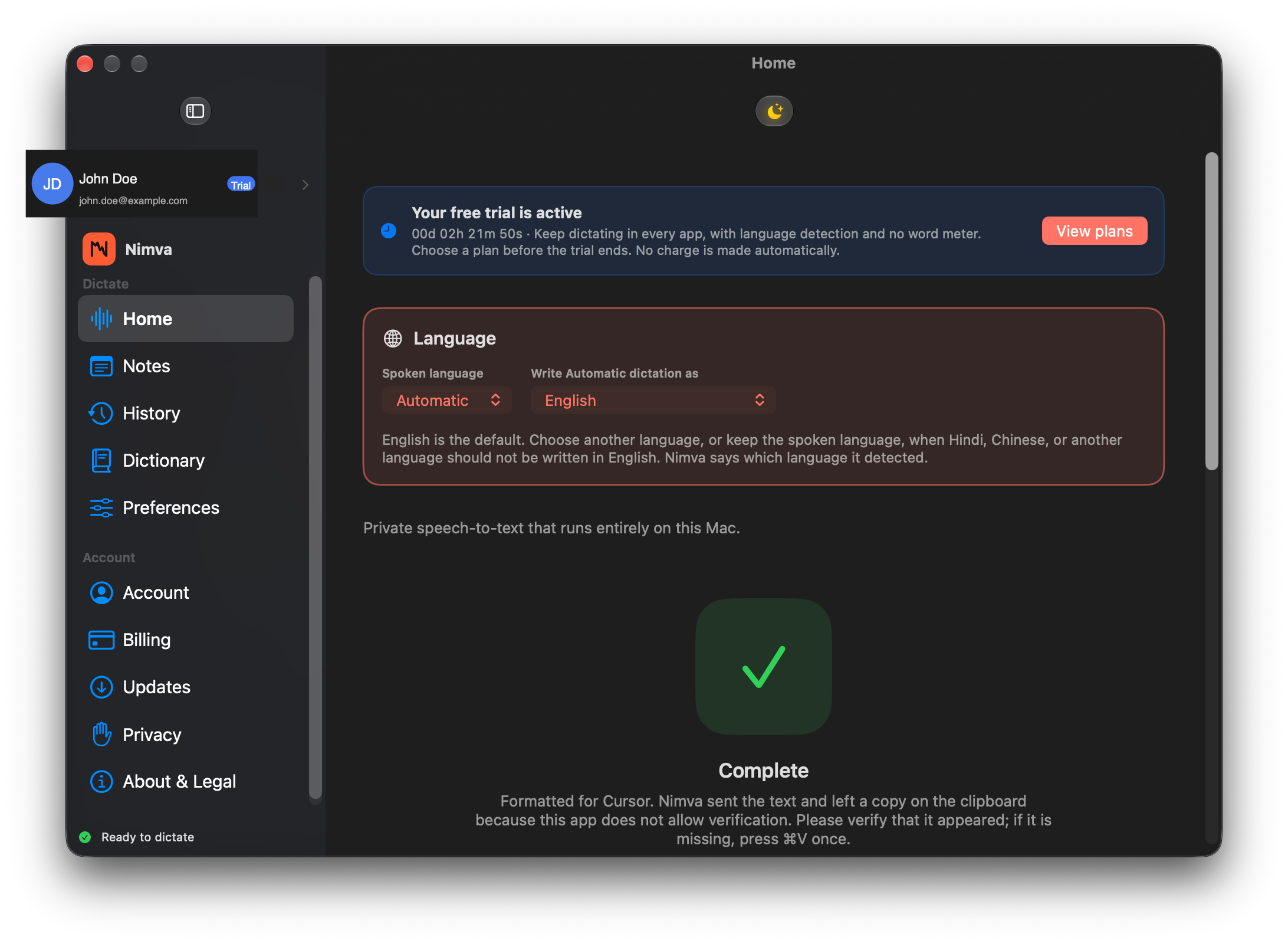
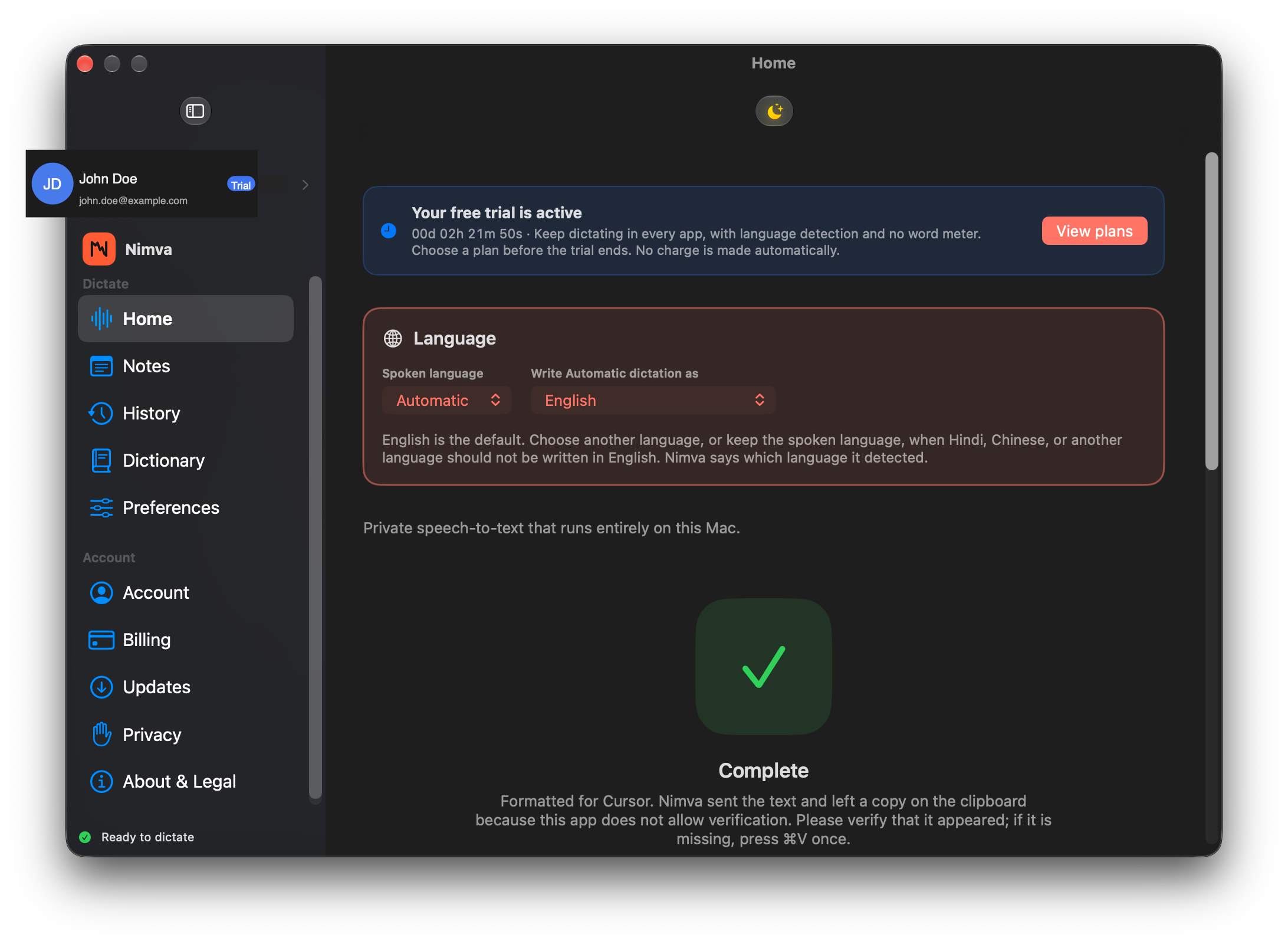
It names the language it heard
Automatic spoken-language detection labels what Nimva heard, while the write-as target decides how the transcript is drafted. English is the default written language, and you can change that.
Detection and write-as stay in step on Home, so you always see which language path produced the text.
06
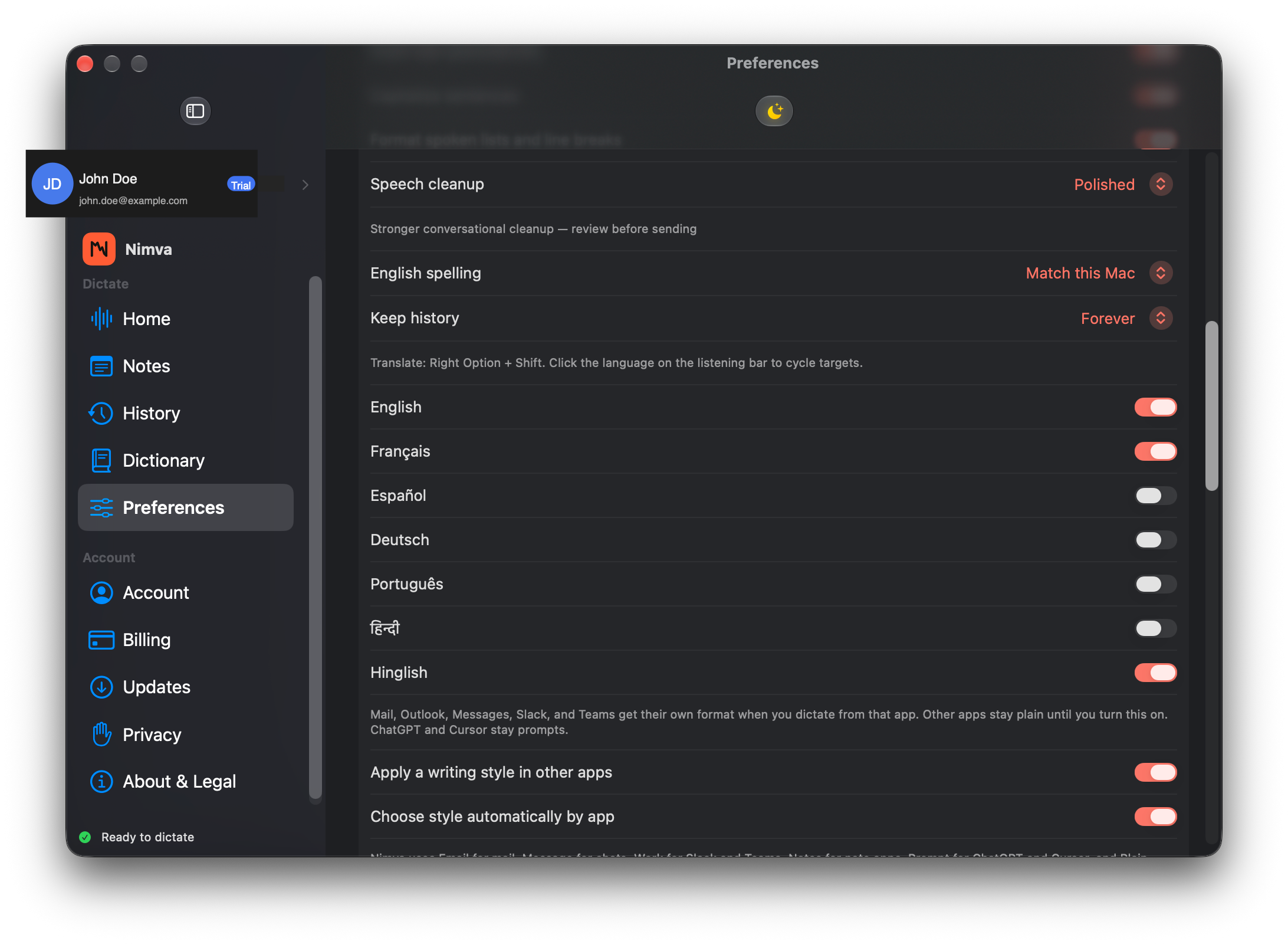
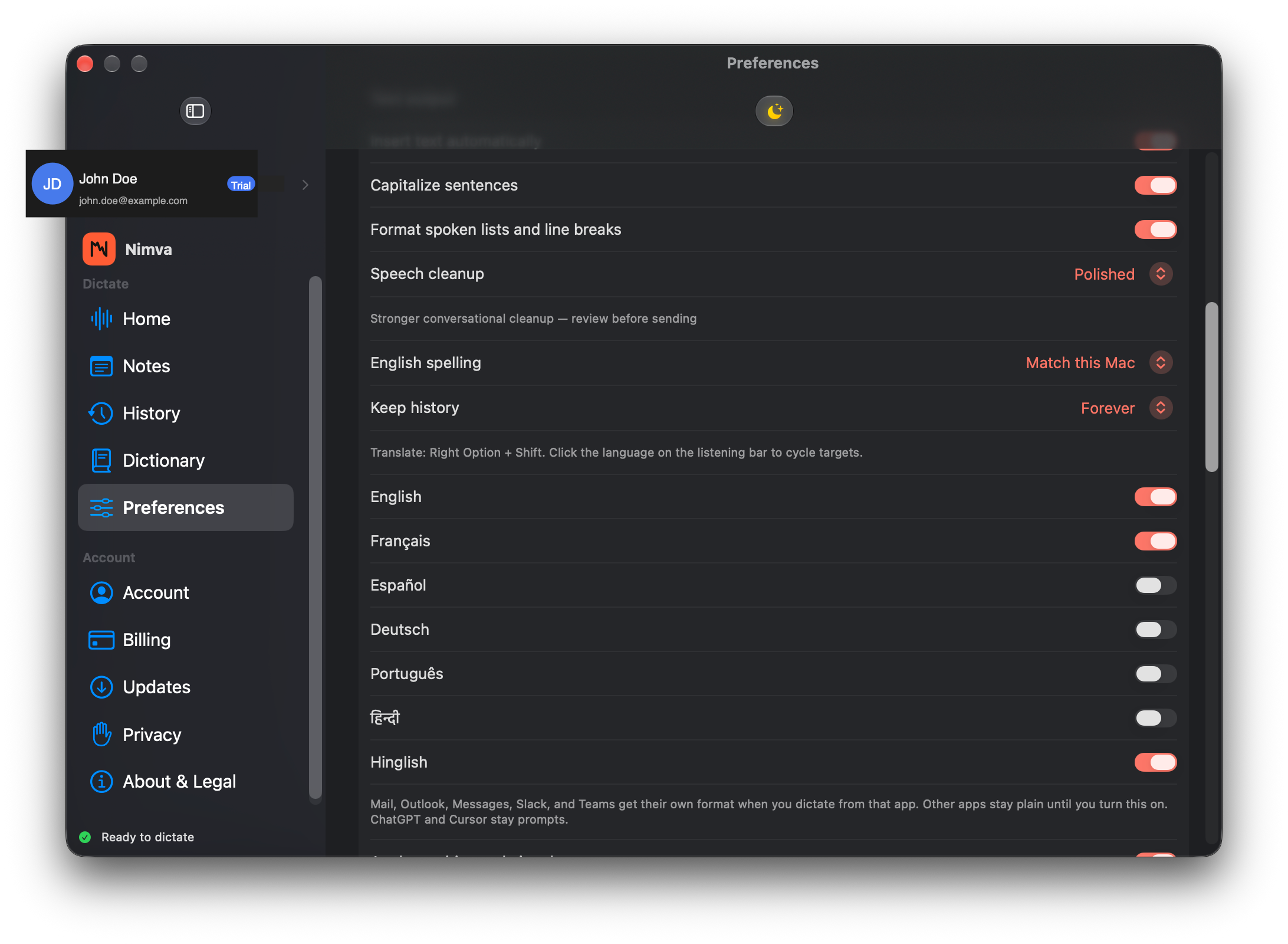
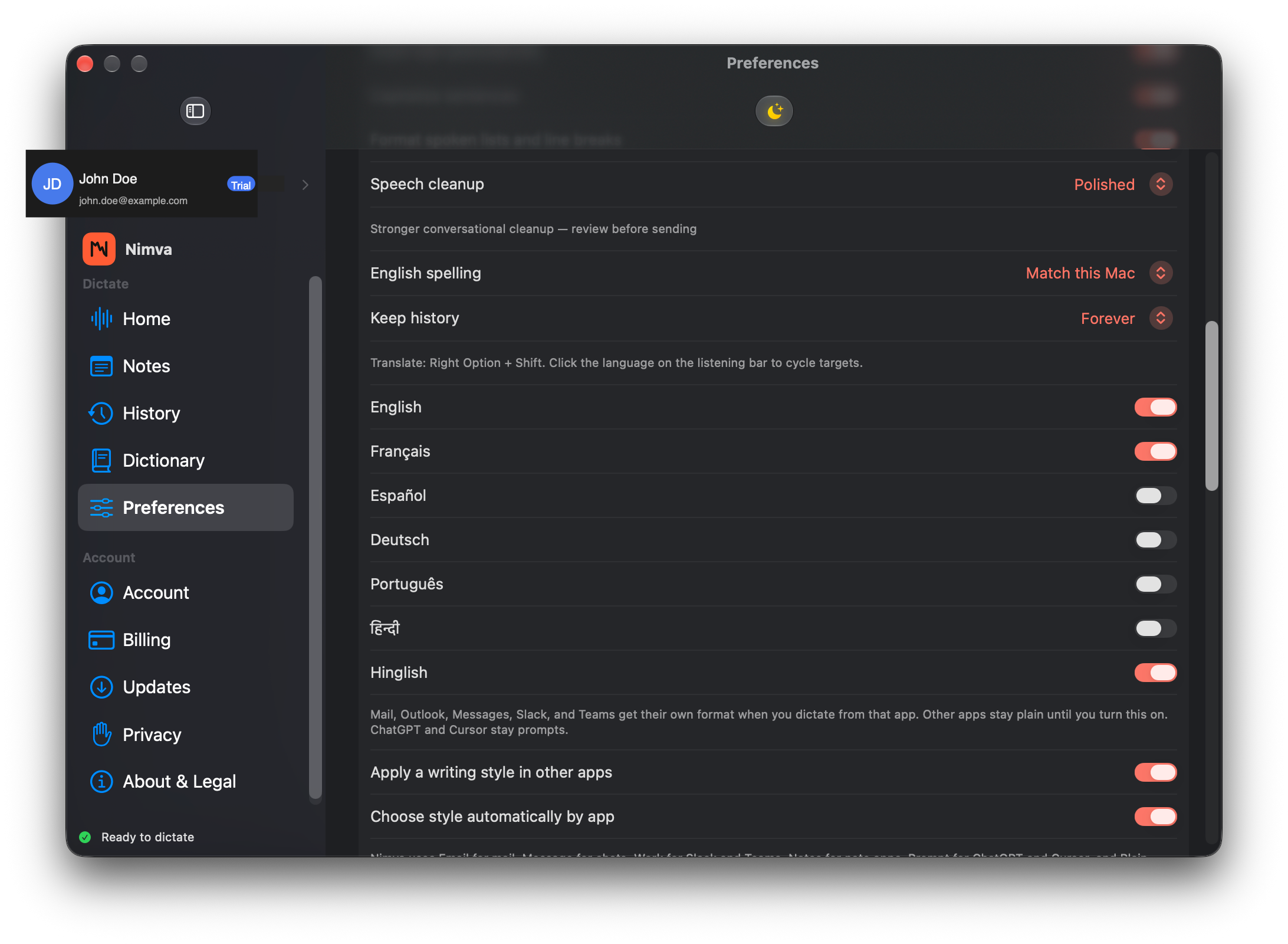
Languages we actually offer
Pick English, Français, Español, Deutsch, Português, Hindi, Hinglish, or keep writing in the language you spoke. These are the targets we ship—not a padded “100 languages” claim.
Quality varies by language and mic conditions. Prefer honesty over an inflated menu.
07
Formatting for the app in front
When you dictate into Mail, Outlook, Messages, Teams, and similar apps, Nimva can apply a layout that fits that surface—greeting, body, sign-off where it belongs.
That is local formatting for the frontmost app, not a cloud rewrite that invents a different meaning for your words.
08
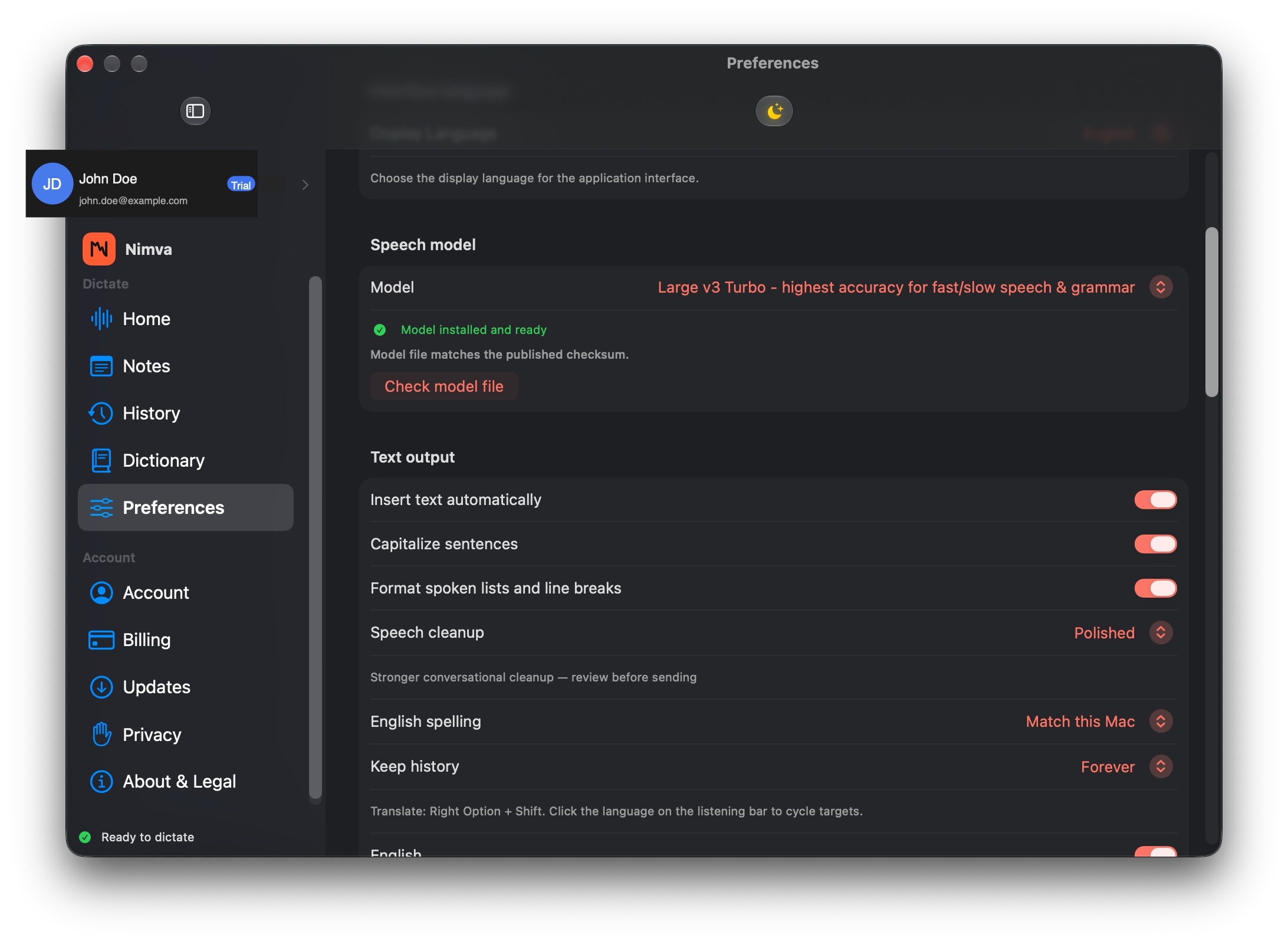
Literal, balanced, or polished
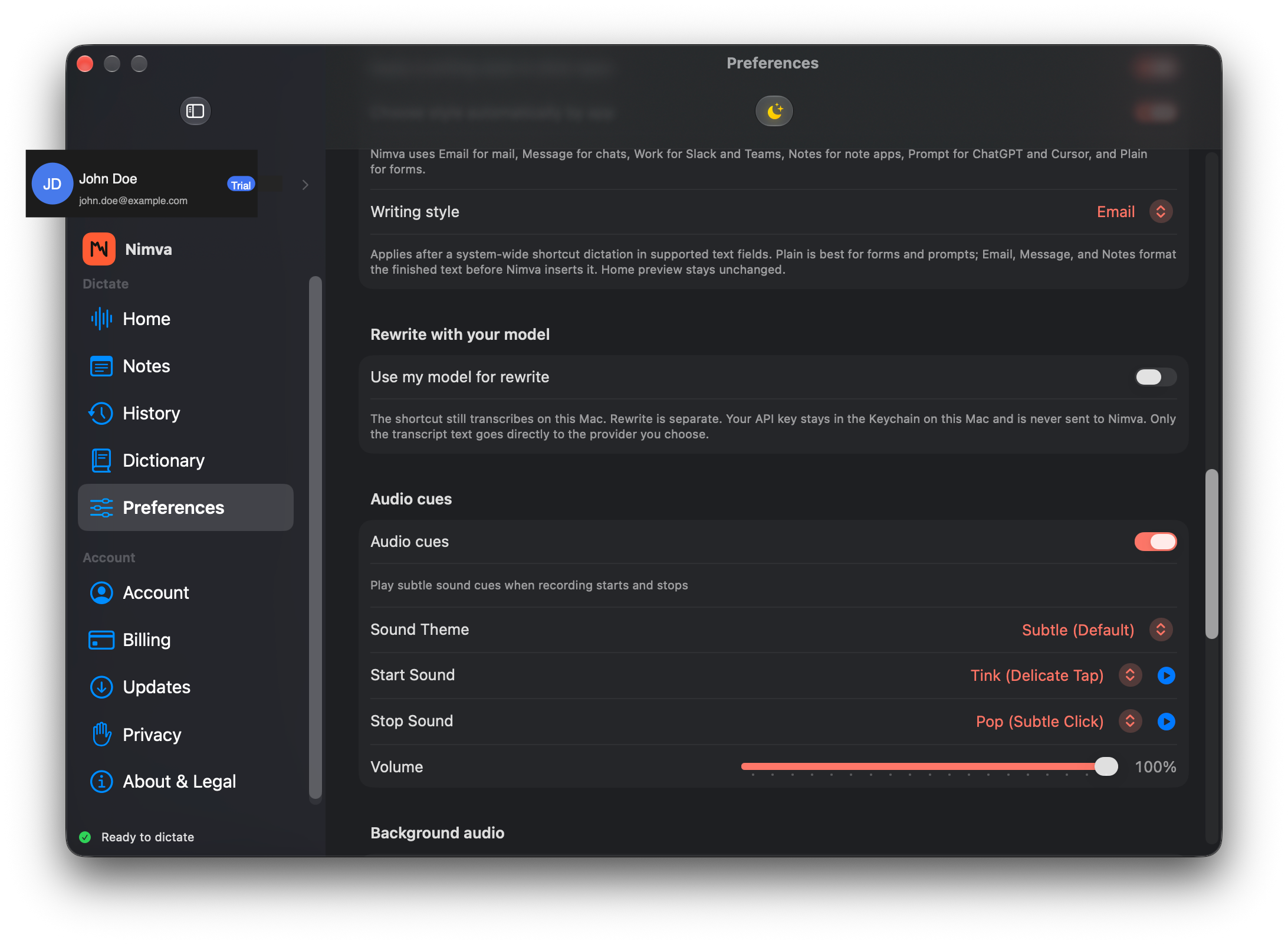
Speech cleanup runs on this Mac. Literal keeps fillers and false starts when you want a near-raw capture. Balanced and polished trim common ums, repeats, and stumbles so the draft reads closer to send-ready.
You choose the level in Preferences; it applies to new dictations without sending audio off-device for cleanup.
09
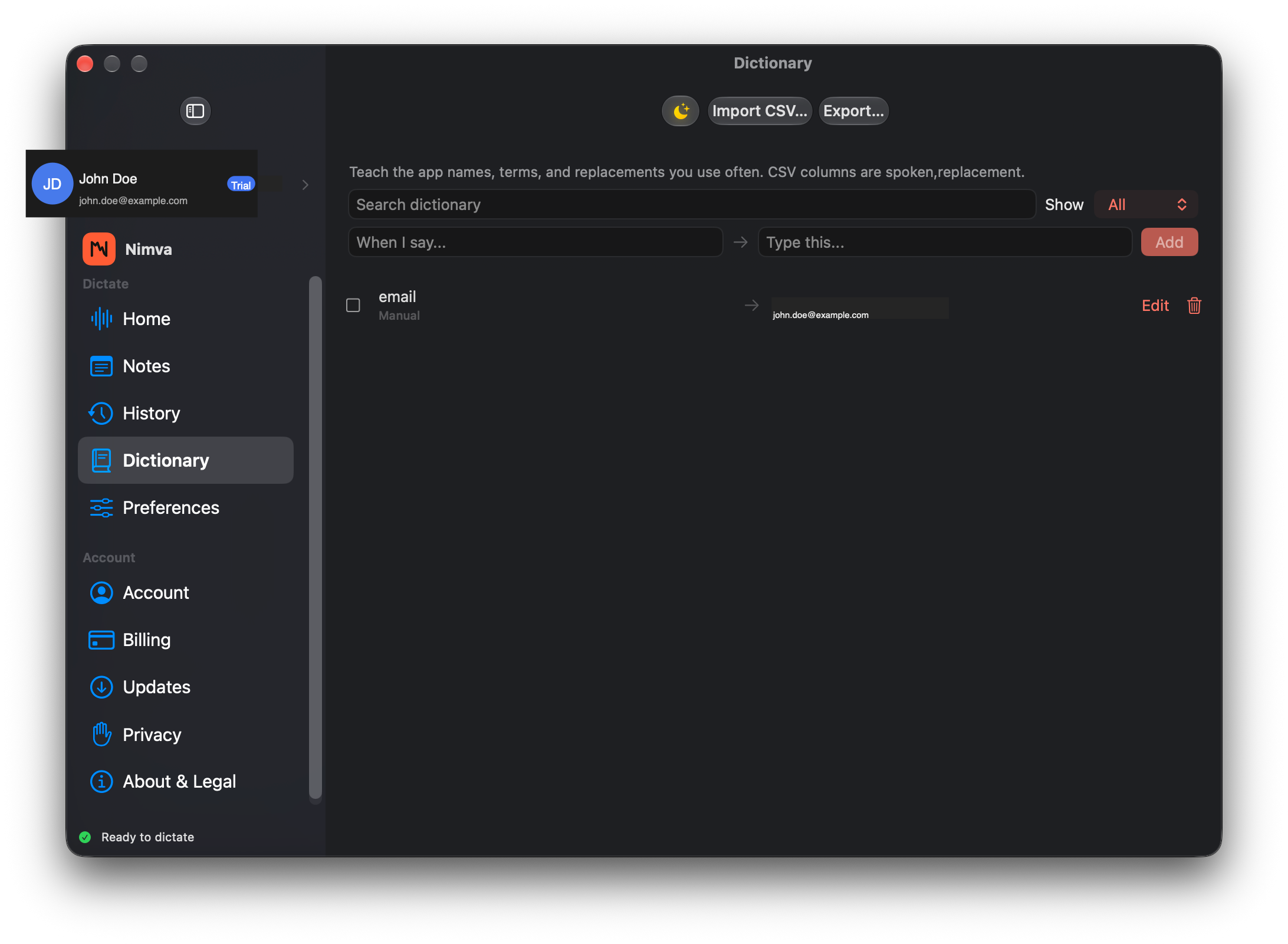
A personal dictionary on this Mac
Teach Nimva the names, products, acronyms, and terms you say often. Search, edit, and import entries so spoken forms map to the spelling you want.
The dictionary lives on this Mac. It is not trained in a shared cloud vocabulary from your speech.
10
English spelling you choose
After English cleanup, match this Mac’s spelling—or lock US, UK, or Canada so colour/color and organise/organize stay consistent with your audience.
One preference, applied on-device, so drafts do not bounce between locales mid-email.
11
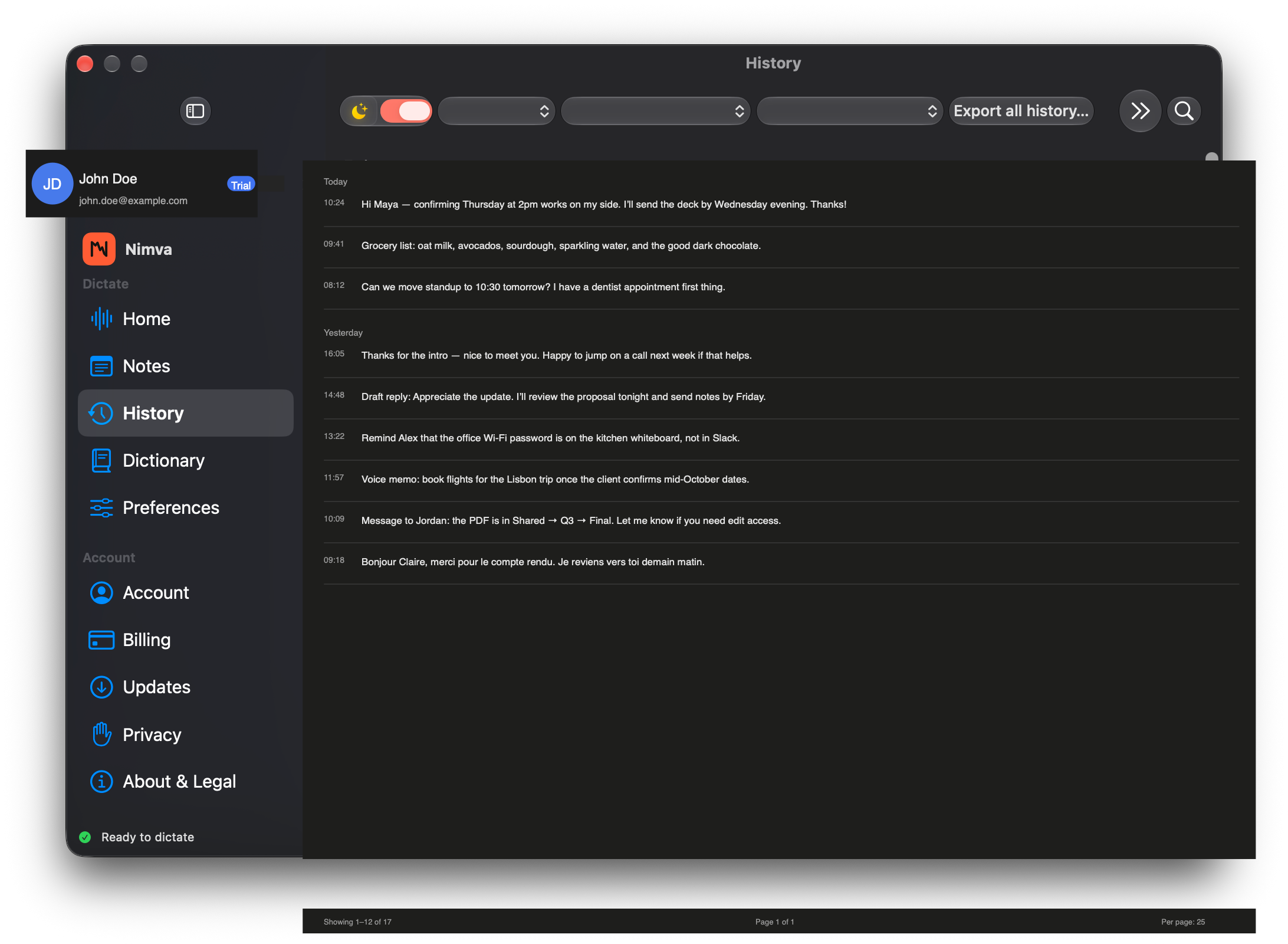
History stays on this Mac
Past transcripts stay in a local History list you can search, export, pause, or clear. Nothing here is framed as a separate “encrypted vault” product—storage uses normal Mac file permissions for this app’s data.
Useful when you need a line from earlier today without digging through other apps. Turn saving off when you prefer a blank slate.
12
Offline after the model is installed
Once the speech model is installed, dictation can run without a network connection. Plane mode, spotty café Wi‑Fi, or a locked-down office network need not stop a draft.
Licensing may still need an occasional online check after the offline grace period—that is separate from recognition itself.
13
Interrupted recordings stay local
If a take is cut short—sleep, quit, or a hiccup—recoverable temporary audio stays on this Mac so you can retry transcription or discard it yourself.
You stay in control of leftovers. Incomplete audio is not shipped to a server “just in case.”
14
Rewrite with your own key
Optional rewrite is off until you turn it on. When you ask, only the transcript text goes to the model you configure—not your microphone stream by default for that step.
Your API key stays in the Mac Keychain. That provider bills you; Nimva does not resell their usage as its own cloud rewrite plan.
15
Same app on every plan
Sign in and you get a 7-day trial with no card required—the same dictation features you will keep after you choose a plan.
Founder Pass, Monthly, and Yearly differ in how you pay, not in a stripped “lite” feature set. One app; billing is the fork.
Desktop companion
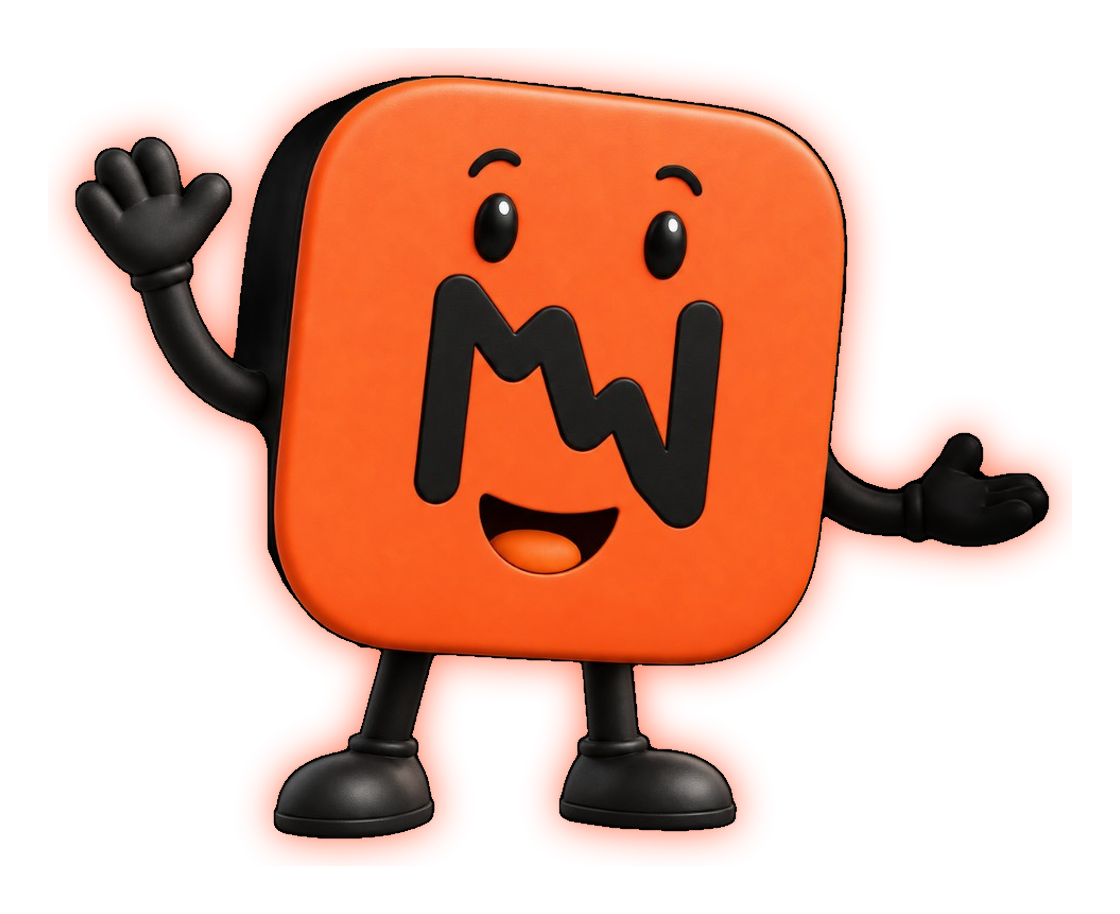
Meet NIMO
Nimva’s floating Mac buddy—listens with you, stays on your desktop, and keeps dictation feeling human. The Meaning Mark stays our logo; NIMO is the personality.